Openers · Oro-Medonte
Smart Garage Controller Setup
One remote lives in a car you sold last spring. The other needs three presses from the driveway and its battery cover is taped on.
Smart Garage Controller Setup
In plain words
For a household here, the most valuable feature is often the simplest: a message that says the door has been open for ten minutes on a January night. A garage attached to the house shares a wall with living space, and sometimes a water line; a door left up drains heat and invites a frozen pipe. Setup in this climate also means small choices that last: the sensor is mounted the way its own instructions specify, its battery is a lithium cell that tolerates an unheated space, and an auto-close schedule is paired with a left-open alert, since a schedule only attempts the close and does not confirm it finished.
How the visit goesA smart hub arrived in the mail with a coin-cell sensor and two wires. The instructions ask what colour your learn button is and how old the opener is. Yours is over a decade old and the button colour is not on their chart.
Oro-Medonte
How the visit goes
Reading the label on the opener
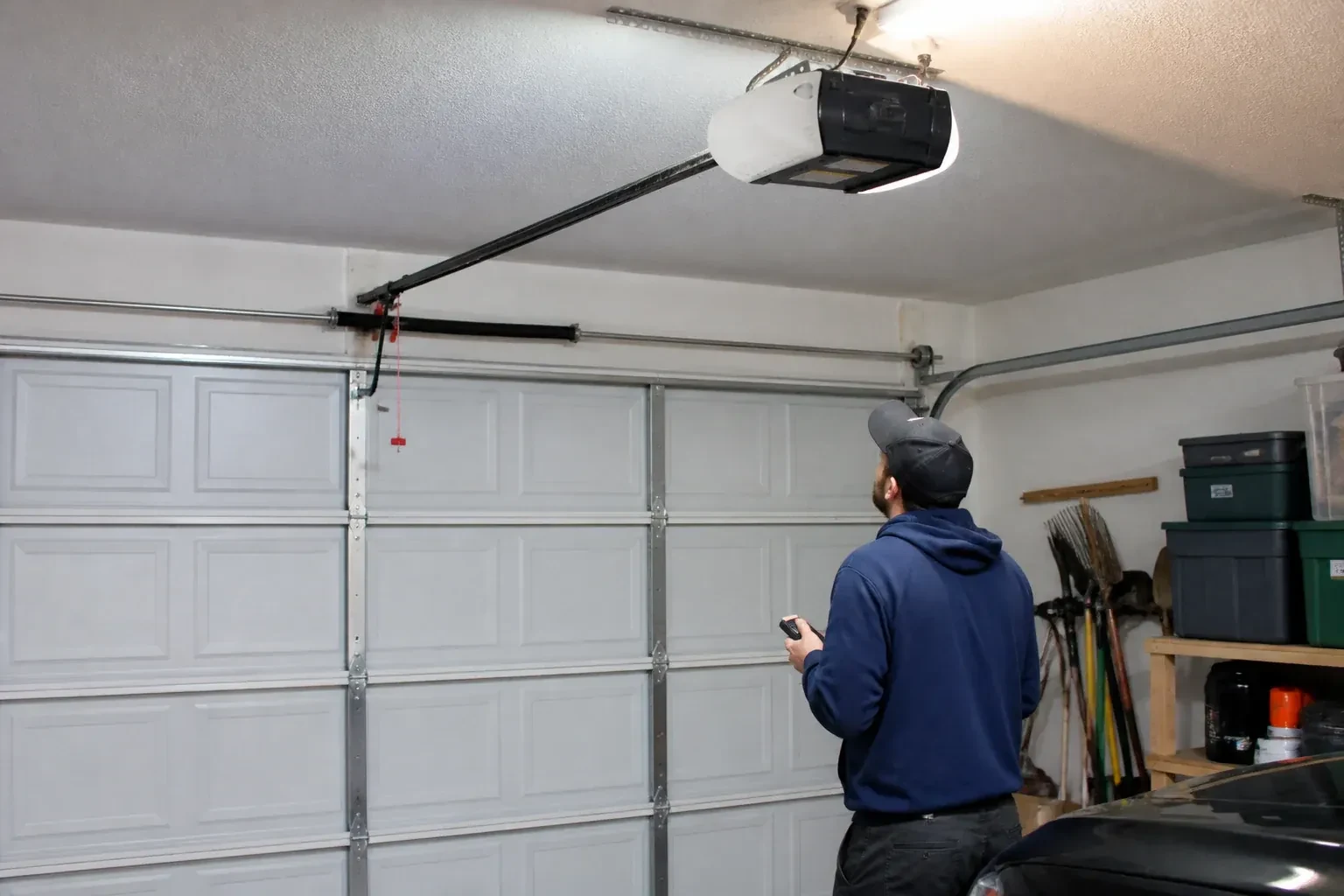
The first thing checked is the small label on the head unit, because everything else depends on it. Brand, model number and date of manufacture tell the technician which family the opener belongs to and which controllers list it as supported. The learn button, usually under the light cover, is checked for colour, since on many makes it marks the radio-coding generation and decides whether a hub can be wired to the wall-control terminals or must pair by radio. The wall console is looked at too: a console with a digital display often means an encrypted connection that needs a different hookup. A photo of the label sent ahead lets this step happen before the van leaves.
Wiring a hub to the wall-control terminals
On openers that accept a simple push-button contact, the hub is connected with two lengths of low-voltage bell wire to the same terminals the wall console uses. The technician routes the wire along the rail or ceiling, clipped clear of the chain and trolley, and lands it neatly beside the existing console wires. Openers that use an encrypted wall console take a different route: either the hub pairs by radio, taught to the opener through the learn button like a new remote, or a small dry-contact adapter sits between them. Whichever applies, the wall console keeps working exactly as before, and the hub simply becomes one more way to give the same command.
Ready for the cold months
An installation done for this climate leaves you set for winter. The sensor is screwed rather than stuck on, its cell is a type built to withstand the cold, and the left-open alert is set so a door left up on a freezing night reaches your phone before the garage has lost its heat. Keep snow and ice cleared from the threshold and the photo-eye lenses, since a blocked beam pauses remote closing until it is cleared, and expect the door to be a shade slower on the coldest mornings. If the app reports the door open when it is plainly shut after a hard frost, the sensor mount is the first thing to check.
Smart Garage Controller Setup
In the van
- Door-position tilt sensor
- Wi-Fi access point or extender
- Dry-contact adapter for encrypted openers
- Replacement photo-eye pair
- Retrofit smart hub
What affects the quote
Same fees day, night or weekend
1Cellular backup if the home Wi-Fi goes down
A hub that only works over Wi-Fi stops reporting the moment the internet drops, which matters most during a storm. A cellular backup module keeps alerts and remote closing working through an outage, and whether one is added is decided once the household's connectivity is reviewed.
2Door sensor mounting
A flat steel panel takes the sensor in minutes. An insulated, raised-panel or windowed top section may need a bracket or a different spot, which adds a little time.
3Taking over an existing device
Releasing a controller from a previous owner's account, resetting it and pairing it fresh takes time that a new device does not, and its sensor may need a battery or repositioning.
Smart Garage Controller Setup: questions
Do you need my Wi-Fi password?
No. The technician will ask you to type it into the app yourself at the right moment and will look away while you do. The same goes for the account password and any verification code. The technician needs to see that the hub has joined and that commands work, not the credentials that made it happen. If you do not know your network password, find it before the visit; it is often printed on the router.
Do I need to be home for the setup?
Yes, for part of it. The hardware can be mounted and wired without you, but the account and network steps are done on your phone, with your email, your password and your Wi-Fi details entered by you. That keeps ownership of the system where it belongs. Plan on being present for the last portion of the visit, when the app is set up and the door is demonstrated on every control.
Will I get an alert if the door is left open?
That is one of the first settings made. You choose how long the door can stay open before you hear about it, often ten or fifteen minutes, and the notification goes to every phone on the account or only to some. In a climate with real winters this single alert saves a good deal of heat, and occasionally a pipe in the wall shared with the house.
Openers & Access
- Chain-Drive Opener RepairThe chain in the detached garage went orange with rust over the winter, the links are stiff, and…
- Belt-Drive Opener RepairThe door used to glide up with a soft hum.
- Garage Door Opener ReplacementSince the storm the door behaves oddly: it reverses halfway down for no reason, the light flickers…
Smart Garage Controller Setup near you
Our garage door services for Oro-Medonte are written up one by one so you can read exactly what happens during the visit. Spring and cable replacement, off-track repair, opener diagnosis, remote programming, weatherstripping, tune-ups, panel replacement and full door installation are all described in plain words.