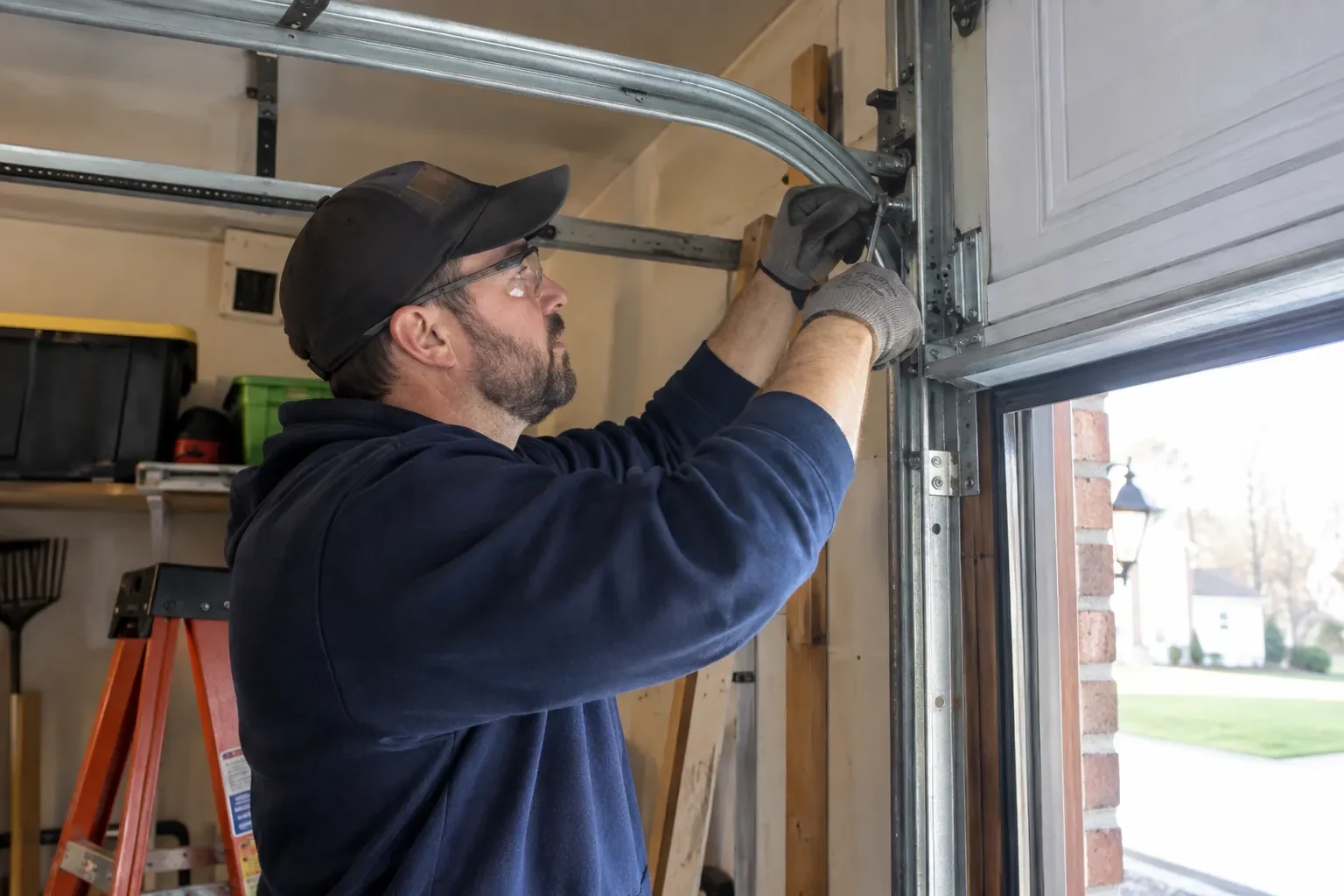
Openers · Oro Park
Smart Garage Controller Setup in Oro Park
One remote lives in a car you sold last spring. The other needs three presses from the driveway and its battery cover is taped on.
Smart Garage Controller Setup
In plain words
A smart controller is only as good as the wireless signal at the garage ceiling, often the farthest corner of the house from the router. The technician measures signal where the hub will sit, on the 2.4 GHz band most hubs use, before anything is mounted. A strong reading means a straightforward join to your network. A weak one, common in detached garages and behind insulated steel doors, is solved with a small access point or extender placed to bridge the gap, rather than an install that keeps dropping offline. Once connected, the hub takes its firmware update and holds its link through router restarts on its own.
How the visit goesYou are twenty minutes down the highway when the thought lands: did the garage door close behind you? You cannot picture it. Turning back means being late, and not turning back means wondering about it all day.
Oro Park
How the visit goes
Photo eyes, present and working
Remote closing is the feature most people want, and it rests on the pair of small sensors near the floor on each side of the door. Before any controller is fitted the technician confirms both eyes are present, mounted no higher than about fifteen centimetres, aligned so their indicators glow steady, and wired without breaks back to the head unit. A controller built to the operator standard will not offer an out-of-sight close without a working sensor circuit, so any missing, misaligned or failed pair is corrected as part of getting ready. This is also where sun glare, cobwebs, frost and a shovel leaning against a bracket are noticed and dealt with.
Mounting and teaching the door sensor
The sensor is fixed to the inside of the top door section with two screws, oriented the way its maker specifies so the tilt reading is unambiguous. Its battery goes in, and the hub is put into pairing mode to find it. The technician then follows the controller's own pairing procedure: some units come already programmed to their sensor and are simply verified through full cycles, others are taught the closed and open positions by cycling the door. Further cycles follow while the app is watched for the status to change within seconds of each end. A sensor that reports late or wrongly is repositioned rather than left to be second-guessed later.
The monthly tests still matter
Adding a controller changes nothing about the physical checks the door needs, and adds one. Each month, lay a 2x4 flat under the door centre and close it; it must reverse on contact. Break the photo-eye beam with a broom handle while closing; it must stop and rise. Then close the door from the app out of sight, and listen for the beeper and watch for the light before movement. If any of the three fails, stop using the opener, move the door by hand only if it must move, and have a technician correct it before the opener is used again. These tests take a couple of minutes and are why remote closing can be trusted.
Smart Garage Controller Setup
In the van
- Door-position tilt sensor
- Wi-Fi access point or extender
- Dry-contact adapter for encrypted openers
- Replacement photo-eye pair
- Retrofit smart hub
What affects the quote
Same fees day, night or weekend
1Users and devices to set up
Each family member's login, each phone that should receive alerts and each guest access is set up and tested individually, so say how many people are involved.
2Wireless coverage at the garage
A strong signal at the ceiling is a straightforward join. A weak one, common in detached garages, calls for an access point or extender, which is quoted separately.
3Distance to your address
Every visit includes the drive. A home a few streets from the shop and a property well outside town are different trips, and that shows in the quote.
Smart Garage Controller Setup: questions
Do you need my Wi-Fi password?
No. The technician will ask you to type it into the app yourself at the right moment and will look away while you do. The same goes for the account password and any verification code. The technician needs to see that the hub has joined and that commands work, not the credentials that made it happen. If you do not know your network password, find it before the visit; it is often printed on the router.
Do I need to be home for the setup?
Yes, for part of it. The hardware can be mounted and wired without you, but the account and network steps are done on your phone, with your email, your password and your Wi-Fi details entered by you. That keeps ownership of the system where it belongs. Plan on being present for the last portion of the visit, when the app is set up and the door is demonstrated on every control.
Will I get an alert if the door is left open?
That is one of the first settings made. You choose how long the door can stay open before you hear about it, often ten or fifteen minutes, and the notification goes to every phone on the account or only to some. In a climate with real winters this single alert saves a good deal of heat, and occasionally a pipe in the wall shared with the house.
Openers & Access
- Chain-Drive Opener RepairThe chain in the detached garage went orange with rust over the winter, the links are stiff, and…
- Belt-Drive Opener RepairThe door used to glide up with a soft hum.
- Garage Door Opener ReplacementSince the storm the door behaves oddly: it reverses halfway down for no reason, the light flickers…
Smart Garage Controller Setup near you
The garage door services we bring to Oro Park fall into four groups: repair and maintenance for doors that are sticking or noisy; springs and lifting hardware; openers, remotes and access; and new door installation or upgrade for homes and businesses that are ready for a change.