Openers · Roeberta Park
Smart Garage Controller Setup in Roeberta Park
One remote lives in a car you sold last spring. The other needs three presses from the driveway and its battery cover is taped on.
Smart Garage Controller Setup
In plain words
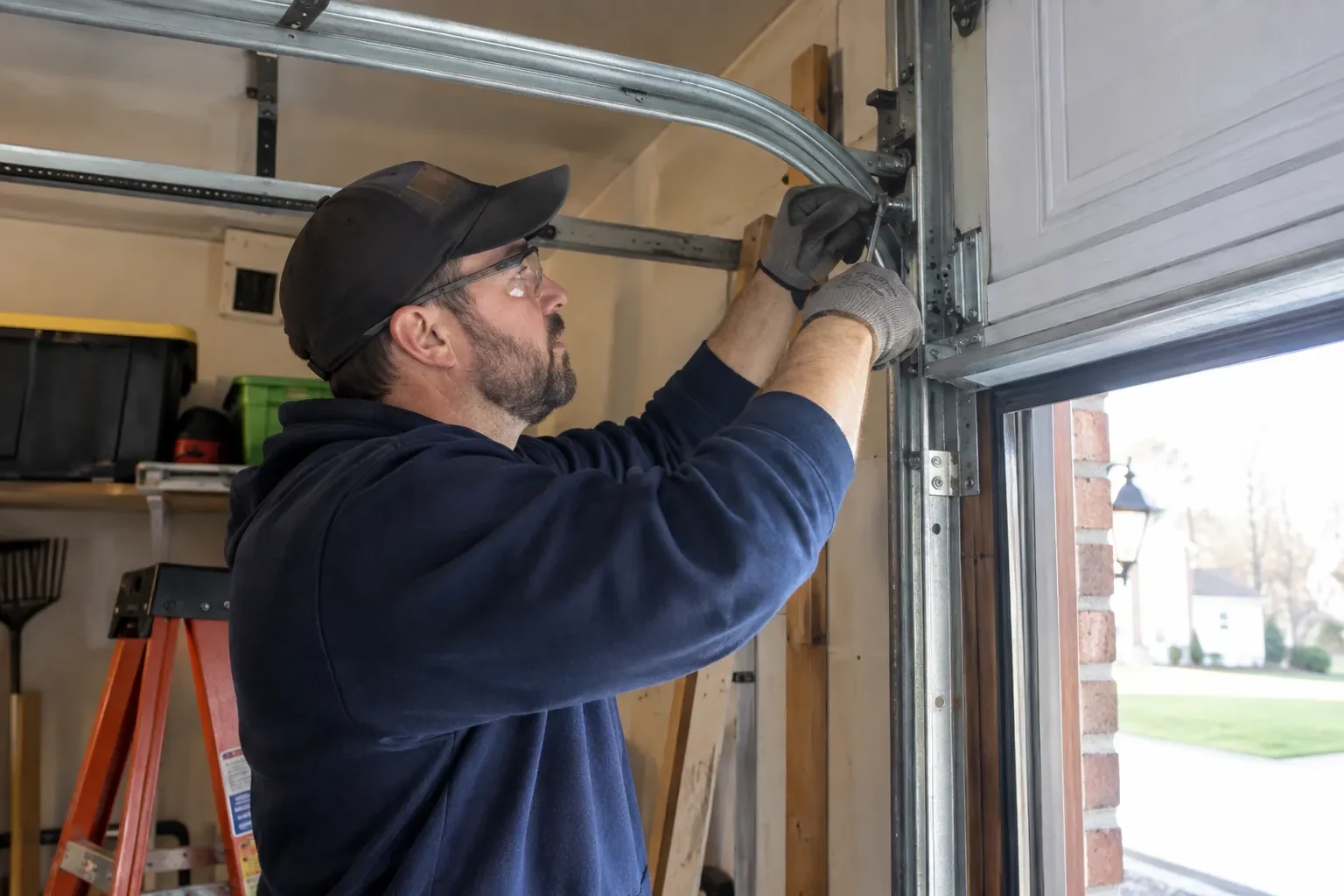
Smart garage controller setup gives your garage door a place in your phone: open, close, see whether it is up or down, and hear about it when something changes. Many openers made in the last several years carry a wireless radio inside the head unit that only needs switching on and joining to your network. Older openers take a small retrofit hub beside the motor and a battery sensor on the top door panel, which together tell the app what the door is doing and pass your commands to it. The technician works out which route fits your opener and completes it in one visit.
How the visit goesA smart hub arrived in the mail with a coin-cell sensor and two wires. The instructions ask what colour your learn button is and how old the opener is. Yours is over a decade old and the button colour is not on their chart.
Roeberta Park
How the visit goes
Who owns the account and who needs in
The last check is about people. The technician asks who in the household will hold the main account, which email it should live under, and which family members need everyday access as users. Anyone who should have temporary access, a cleaner or a contractor, is noted so that access can be set to expire. If the property came with a controller already installed, the app is checked to see whether it is still registered to the seller, which decides whether a reset and fresh claim is needed. Knowing all this before the hardware goes up means the account is built correctly once, in your name, with no loose ends.
Taking over a controller left by a previous owner
When the house came with a hub or a connected opener still tied to the seller's account, the device is first removed from that account if the seller can be reached, and otherwise reset to factory settings using the maker's documented procedure. The hub or opener is then paired fresh, joined to your network and claimed under your new login. Any sensor already on the door is checked for battery and placement and re-paired rather than assumed to be working. The old account is cut off from the door for good, and the history you see from then on starts with your household.
A status you can trust
The most important thing you leave with is confidence that the little icon on your phone is telling the truth. You have watched the door open and close while the app changed state each time, you know roughly how long it takes to update, a few seconds after the door reaches the end of its travel, and you know what a stale reading looks like. If the status ever disagrees with what you can see, the sensor battery and the hub's connection are the two places to look. Until then, checking the door from the highway means glancing at a screen rather than turning the car around.
Smart Garage Controller Setup
In the van
- Door-position tilt sensor
- Wi-Fi access point or extender
- Dry-contact adapter for encrypted openers
- Replacement photo-eye pair
- Retrofit smart hub
What affects the quote
Same fees day, night or weekend
1Taking over an existing device
Releasing a controller from a previous owner's account, resetting it and pairing it fresh takes time that a new device does not, and its sensor may need a battery or repositioning.
2Door sensor mounting
A flat steel panel takes the sensor in minutes. An insulated, raised-panel or windowed top section may need a bracket or a different spot, which adds a little time.
3Power for the hub
The hub plugs into the opener's ceiling receptacle. If there is no spare socket, an approved splitter or a receptacle added by an electrical contractor becomes part of the plan.
Smart Garage Controller Setup: questions
Do you need my Wi-Fi password?
No. The technician will ask you to type it into the app yourself at the right moment and will look away while you do. The same goes for the account password and any verification code. The technician needs to see that the hub has joined and that commands work, not the credentials that made it happen. If you do not know your network password, find it before the visit; it is often printed on the router.
Do I need to be home for the setup?
Yes, for part of it. The hardware can be mounted and wired without you, but the account and network steps are done on your phone, with your email, your password and your Wi-Fi details entered by you. That keeps ownership of the system where it belongs. Plan on being present for the last portion of the visit, when the app is set up and the door is demonstrated on every control.
Will I get an alert if the door is left open?
That is one of the first settings made. You choose how long the door can stay open before you hear about it, often ten or fifteen minutes, and the notification goes to every phone on the account or only to some. In a climate with real winters this single alert saves a good deal of heat, and occasionally a pipe in the wall shared with the house.
Openers & Access
- Chain-Drive Opener RepairThe chain in the detached garage went orange with rust over the winter, the links are stiff, and…
- Belt-Drive Opener RepairThe door used to glide up with a soft hum.
- Garage Door Opener ReplacementSince the storm the door behaves oddly: it reverses halfway down for no reason, the light flickers…
Smart Garage Controller Setup near you
From a stuck door on a winter morning to a planned replacement before the house goes on the market, the services on this page cover what garage doors in Roeberta Park typically need. Each one explains what is checked, how the work is done and what you can expect afterwards.